 services@aitchsoft.com
Everyone is wiring their mobile apps into a cloud LLM API. You ship an API key, you pay per token, and every question your user asks travels to someone else's server. For a lot of products — anything touching private documents, anything that has to work offline, anything where inference cost matters — that's the wrong default.
This post walks through the opposite approach: a fully on-device RAG (Retrieval-Augmented Generation) chat app built with .NET MAUI and Gemma 3. You pick a PDF, ask questions, and get streamed answers grounded in that document — with no internet required after the first model download, no API keys, and no data ever leaving the phone.
The full sample project is on GitHub: maui-gemma-3. Prefer to watch it run first? Here's the video walkthrough:
Video Tutorial
What It Does
The whole app is three screens that map directly to the lifecycle of an on-device AI feature:
- Setup — on first launch the app automatically downloads Gemma 3 270M and all-MiniLM-L6-v2 from HuggingFace (~950MB total). Downloads are resumable, so an interrupted transfer picks up from where it left off instead of starting over.
- PDF Picker — pick any PDF from the device. The app extracts the text, chunks it, embeds it, and caches the index.
- Chat — ask questions. Answers stream back token by token, grounded in the document you selected.
After that first model download, the network is never touched again. The model lives on the device, the index lives on the device, and inference happens on the device.
Why On-Device?
Before the implementation, it's worth being clear about why you'd take on this complexity instead of calling a hosted API:
- Privacy — user data and document contents never leave the phone. This is the entire ballgame for legal, medical, financial, or otherwise sensitive documents.
- Offline — works on a plane, in a tunnel, in a field, with no connection at all.
- Cost — no per-token billing. Inference is free once the model is on the device.
- Latency — no network round-trip per token.
The tradeoff is that you're running a quantized model on a phone CPU, so you make deliberate choices about model size and pipeline design. That's most of what the rest of this post is about.
The Architecture
The app is split into a thin MAUI Android front end and a shared RagCore class library that does all the real work. Keeping the RAG pipeline in its own library keeps the app code thin and makes each piece independently testable and reusable.
The MAUI app itself is three sections — setup (download), PDF picker (index), and chat (ask questions) — and it leans on RagCore for everything underneath. RagCore is made up of seven focused components:
- ModelDownloader — resumable download of the models from HuggingFace
- PdfTextExtractor — turns a PDF into per-page strings using Syncfusion
- TextChunker — splits pages into overlapping chunks
- MiniLmEmbedder — ONNX inference that turns a chunk or question into a 384-dimensional vector
- SqliteChunkRepository — caches the index in SQLite, keyed by the PDF's hash
- InMemoryVectorStore — cosine-similarity search held in RAM
- GemmaAnswerGenerator — streams answer tokens out of Gemma 3
Each component sits behind an interface (IEmbedder, IVectorStore, IChunkRepository, IAnswerGenerator), so swapping the embedder or the vector store later doesn't touch the rest of the pipeline.
The RAG Flow
The pipeline has two phases — indexing a document once, then answering questions against it many times.
At index time, the PDF flows through PdfTextExtractor into pages, then TextChunker into overlapping chunks, then MiniLmEmbedder into vectors, which are written to SqliteChunkRepository as a cache.
At query time, the question goes through the same MiniLmEmbedder into a vector. If the document was indexed on a previous run, the cached vectors are loaded straight from SQLite. InMemoryVectorStore then searches those vectors and returns the top 3 matching chunks, which are handed — along with the original question — to GemmaAnswerGenerator, which streams the answer.
The cache is the important detail. Indexing is keyed by the PDF's SHA256 hash, so the second time you open the same document the app skips extraction and embedding entirely and loads the vectors straight from SQLite.
Step 1 — Extract and Chunk the PDF
PdfTextExtractor uses Syncfusion to turn the PDF into per-page strings. TextChunker then splits those pages into overlapping chunks, with each chunk modeled as a page number plus its text. The overlap matters: it keeps a sentence that straddles a chunk boundary from being cut in half and losing its meaning at retrieval time. Because each chunk carries its page number, an answer can later be traced back to where in the document it came from.
Step 2 — Embed with MiniLM
Both the chunks (at index time) and the question (at query time) go through the same MiniLmEmbedder, which runs all-MiniLM-L6-v2 as an ONNX model and produces a 384-dimensional vector. Using the same embedder on both sides is what makes the vectors comparable — the retrieval step is just measuring distance in that shared 384-dimensional space. The embedding model is small, about 90MB, which keeps it cheap to ship alongside the language model.
Step 3 — Store and Search Vectors
Indexed vectors are cached in SQLite via SqliteChunkRepository, keyed by the document hash. At query time they're loaded into InMemoryVectorStore, which runs a cosine-similarity search in RAM and returns the top 3 most relevant chunks. For a single-document chat app, an in-memory search over a few hundred chunks is instant — there's no need for a heavyweight vector database on the phone.
Step 4 — Generate with Gemma 3
The top 3 chunks plus the original question are handed to GemmaAnswerGenerator, which prompts Gemma 3 through Microsoft.ML.OnnxRuntimeGenAI and streams tokens back as they're produced. Streaming is what makes a 270M model on a phone CPU feel responsive — the user sees the answer forming immediately instead of waiting for the full response to complete.
One sharp edge worth calling out: the runtime packages have to be pinned together.
<PackageReference Include="Microsoft.ML.OnnxRuntimeGenAI" Version="0.8.3" /> <PackageReference Include="Microsoft.ML.OnnxRuntime" Version="1.22.0" />
The GenAI execution-provider selection breaks with mismatched versions, so this is one of those "pin it and don't touch it" pairings.
The Models
Two models are downloaded automatically on first launch, both resumable if interrupted:
- Gemma 3 270M-it (int4 ONNX) — text generation, about 864MB, served from a HuggingFace repo (ihassantariq/gemma-3-270m-it-onnx-int4).
- all-MiniLM-L6-v2 (ONNX) — sentence embeddings, about 90MB, from sentence-transformers/all-MiniLM-L6-v2.
Why Gemma 3 270M and Not 4B
This is the single most important decision in the whole project, and it's easy to get wrong. Google's Gemma 3 ships in two different architectures. The 270M and 1B models use Gemma3ForCausalLM and are text-only, with model type "gemma3_text" in genai_config. The 4B, 12B, and 27B models use Gemma3ForConditionalGeneration and are multimodal (text and vision), with model type "gemma3".
The pinned onnxruntime-genai 0.8.3 runtime loads "gemma3" models with the full vision pipeline attached — which drags in a ~645MB vision component even if you never send it an image. The 270M model produces a "gemma3_text" bundle with no vision overhead: roughly 864MB total versus ~6.2GB. On a phone, that difference is the line between "ships" and "doesn't." For a text-only RAG use case, the multimodal weight is pure dead weight.
Building the ONNX Model
The google/gemma-3-270m-it HuggingFace repo ships PyTorch weights (safetensors), not ONNX, so the model has to be converted with Microsoft's onnxruntime-genai model builder. The conversion environment needs Python 3.10 (PyTorch doesn't support 3.13 on Apple Silicon) and a HuggingFace account with the Gemma license accepted. The high-level steps are:
- Create a Python 3.10 virtual environment and install onnxruntime-genai 0.11.4 plus onnxruntime, transformers, torch, accelerate, onnx-ir, and huggingface_hub.
- Log in to HuggingFace with a write token.
- Apply the two RoPE patches included in the repo (more on these below).
- Run the builder against google/gemma-3-270m-it with int4 quantization on the CPU execution provider.
- Fix the temperature field in genai_config.json.
- Upload the resulting ONNX bundle to your own HuggingFace repo and point ModelDownloader at it.
The builder is pinned to 0.11.4 specifically because that version writes "type": "gemma3_text" for Gemma3ForCausalLM architectures — exactly what the 0.8.3 .NET runtime expects for the text-only code path. The int4 flag is 4-bit integer quantization, which gives the smallest size and fastest inference, and the CPU execution provider means no GPU is required.
Two gotchas in that process are worth surfacing because they cost real time:
RoPE config moved. transformers 5.12+ reorganized Gemma 3's Rotary Position Embedding settings from direct attributes into a nested dict, and the v0.11.4 builder predates that change. The repo includes two patches — one for the builder's gemma.py and one for base.py — that add hasattr guards so the builder handles both the old flat config and the new nested rope_parameters dict, falling back to a sensible default of 10000 when neither is present.
Null temperature. The builder emits a temperature of null, but the 0.8.3 runtime requires an actual number. You can sed it to 1.0 by hand, but the app's ModelDownloader.PatchGenAiConfigTemperature() also applies this automatically at runtime, so a freshly built model just works.
What You End Up With
Putting it together, the sample app:
- Downloads Gemma 3 270M and MiniLM on first launch, with resumable transfers
- Indexes any PDF you pick — extract, chunk, embed, cache
- Caches the index by document hash so re-opening a PDF is instant
- Answers questions grounded in the document, streamed token by token
- Runs entirely on-device with no internet, no API keys, and no cloud
Prerequisites and Setup
To run the sample yourself you'll need the .NET 10 SDK, the Android SDK (API 35) plus an emulator or a physical device (API 24+), and Visual Studio or VS Code with the .NET MAUI extension. Clone the repo and build to your device:
git clone https://github.com/ihassantariq/maui-gemma-3.git cd maui-gemma-3 dotnet build -t:Run -f net10.0-android src/MauiApp/MauiApp.csproj
On first launch the app downloads both models (~950MB total), and those downloads are resumable.
Roadmap
A few things on the list for later: upgrading to Gemma 3 1B for better answer quality (same architecture and same build process, so it's a drop-in), adding a Mac Catalyst target, and gating the model download behind disk-space and Wi-Fi checks so a user on cellular doesn't accidentally pull a gigabyte.
A Quick Word on HobbySwap
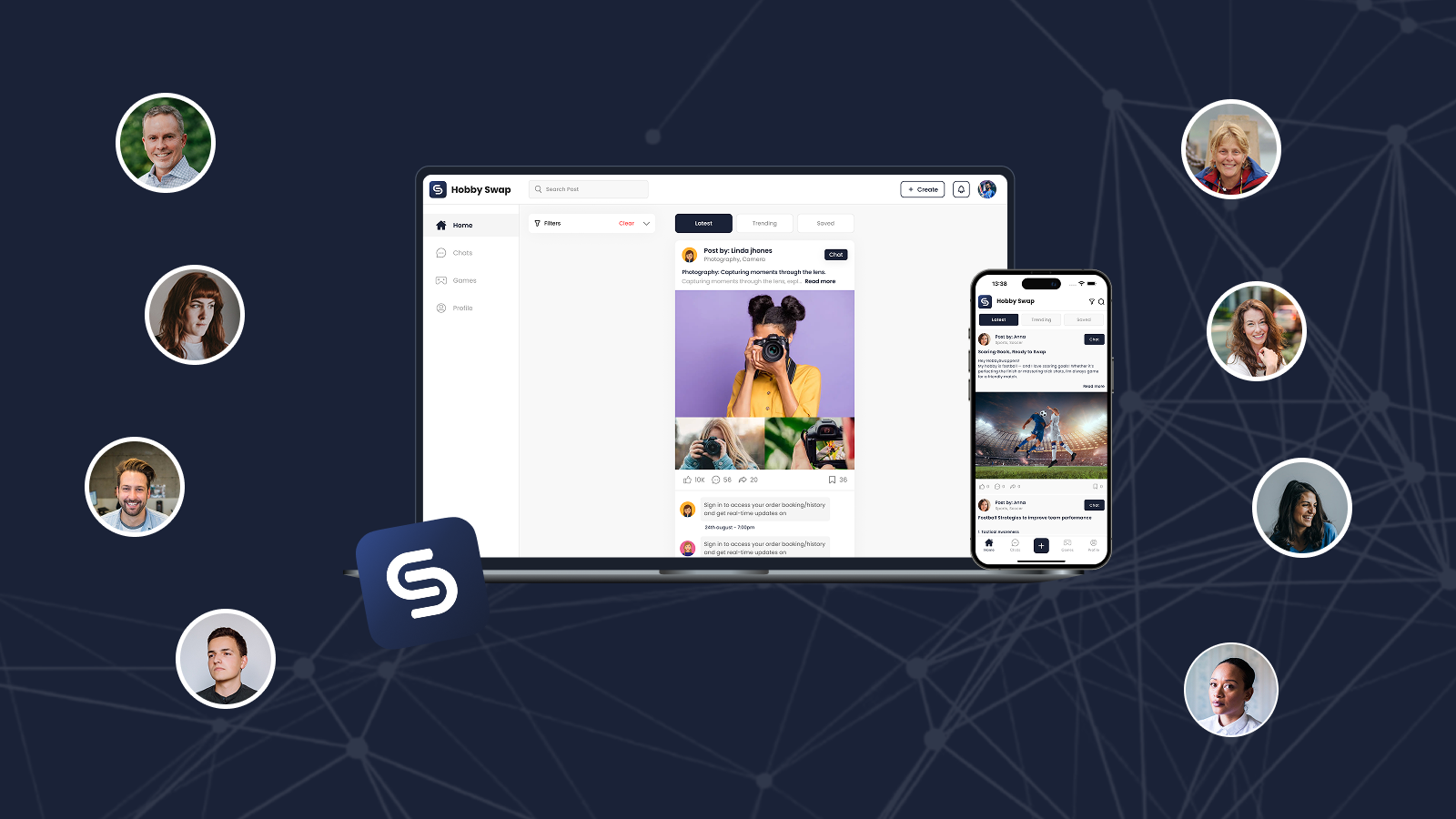
Outside of client work and demos like this one, I keep a pet project running to stay close to real-world product problems: HobbySwap — a skill and hobby exchange platform where people teach each other what they're good at. We just shipped a new location-based hobby swapping feature, so you can now discover and swap hobbies with people nearby. If you want to see the kind of thing the techniques on this blog get used for in practice, give it a try and send feedback.
Closing Thoughts
The interesting part here isn't Gemma specifically — it's that running a capable model entirely on a phone is now a realistic product decision, not a research demo. The real engineering is in the boundaries: choosing the text-only 270M architecture to dodge a multimodal payload, pinning the runtime versions together, caching the index by document hash, and streaming tokens so a small model still feels alive. Get those right and you have private, offline, zero-cost AI that just works.
If you're building on-device AI, doing RAG and LLM integration, or working on .NET MAUI and Xamarin-to-MAUI migrations, this kind of native, performance-sensitive engineering is exactly the territory we specialize in at AitchSoft.
Source code: github.com/ihassantariq/maui-gemma-3 · License: MIT