
 services@aitchsoft.com
PDF to Text • OCR • Scanned PDF
Turn Any PDF into Clean, Editable Text
Extract text from digital and scanned PDFs in seconds with powerful OCR. Read, search, edit, listen to, and export your documents with ease—no sign-up or login required.
Watch Video

About Textify PDF
Turn books into clear summaries, discover key insights, and understand more in less time.

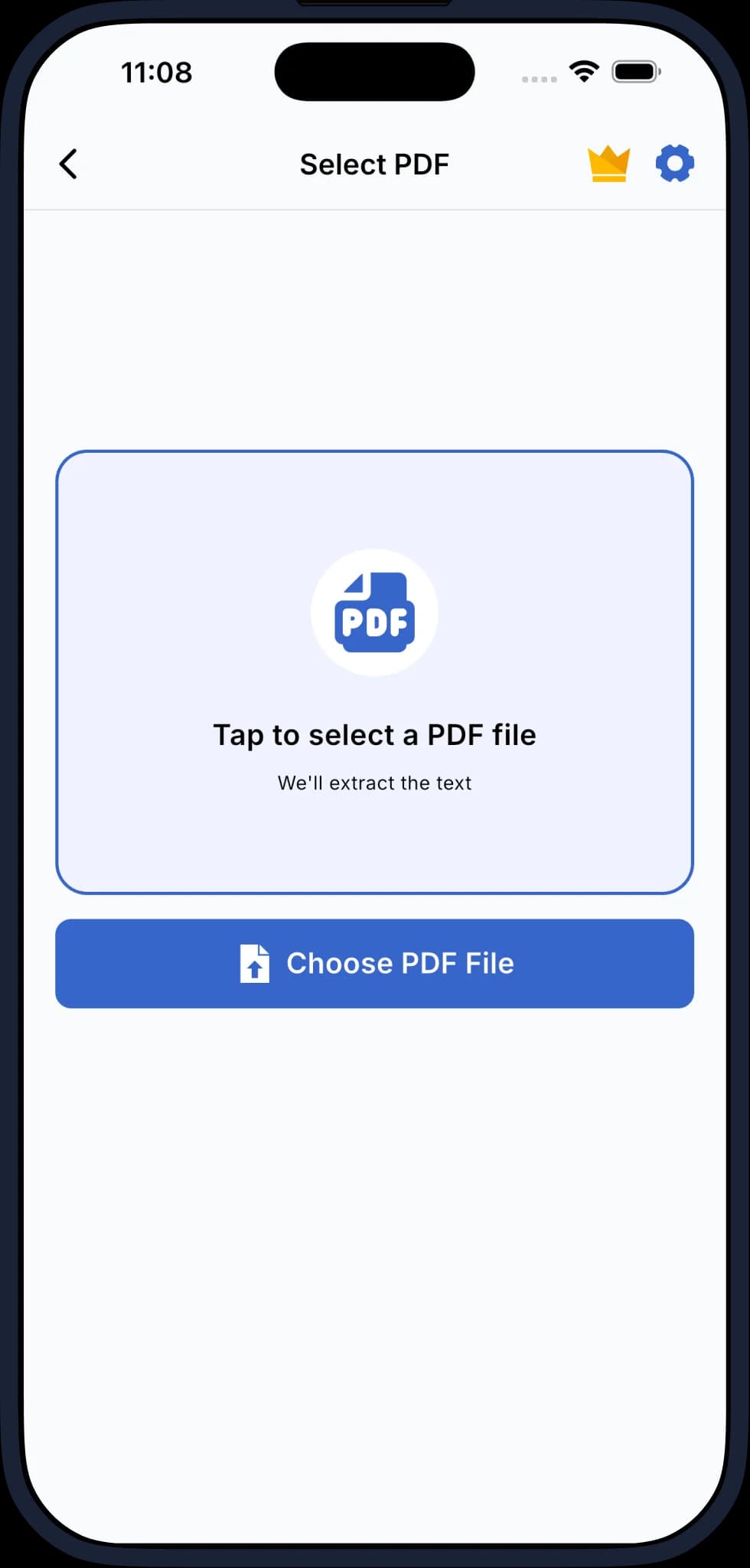
CONVERT PDF TO EDITABLE TEXT
Turn any PDF into clean, searchable, and editable text using fast and accurate OCR technology.
EXTRACT TEXT FROM SCANNED PDFS
Use advanced OCR to recognize printed text from scanned documents, books, reports, invoices, contracts, forms, and more.
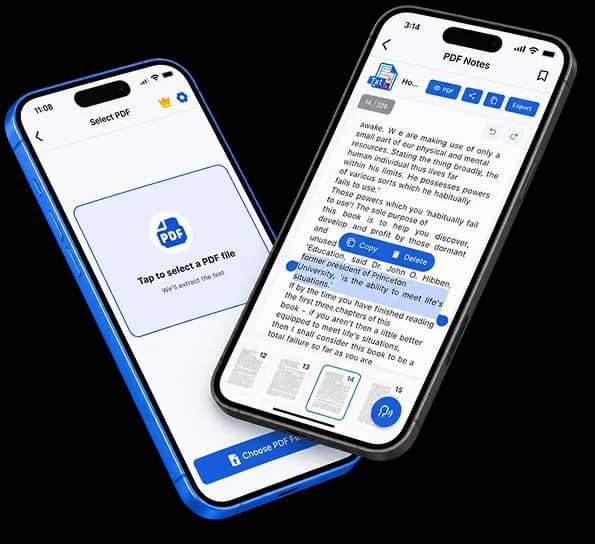
READ, LISTEN & EXPORT
Preview your documents, listen with built-in text-to-speech, edit extracted content, and export your work as PDF or TXT.

App Features
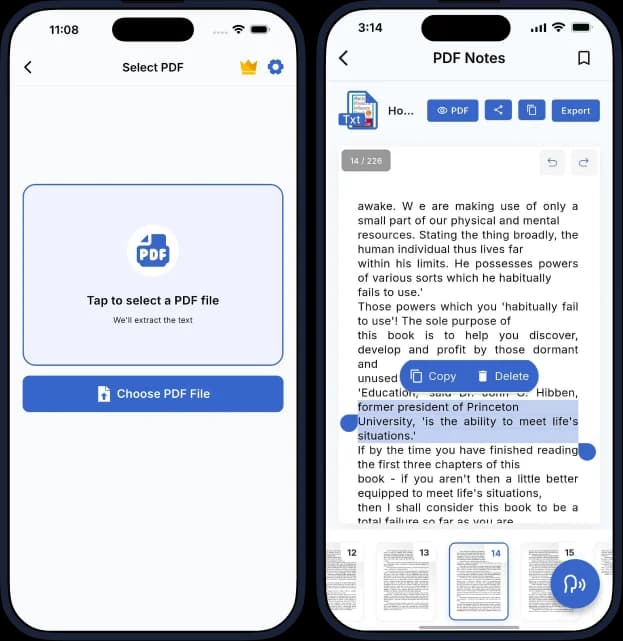
Convert large PDF to text with OCR. Read, edit, and listen to any document page

Fast PDF to Text Converter
Convert small or large PDF files into clean and editable text quickly with a simple conversion process.

Advanced OCR Technology
Recognize printed text from scanned PDFs and transform it into searchable and editable content.

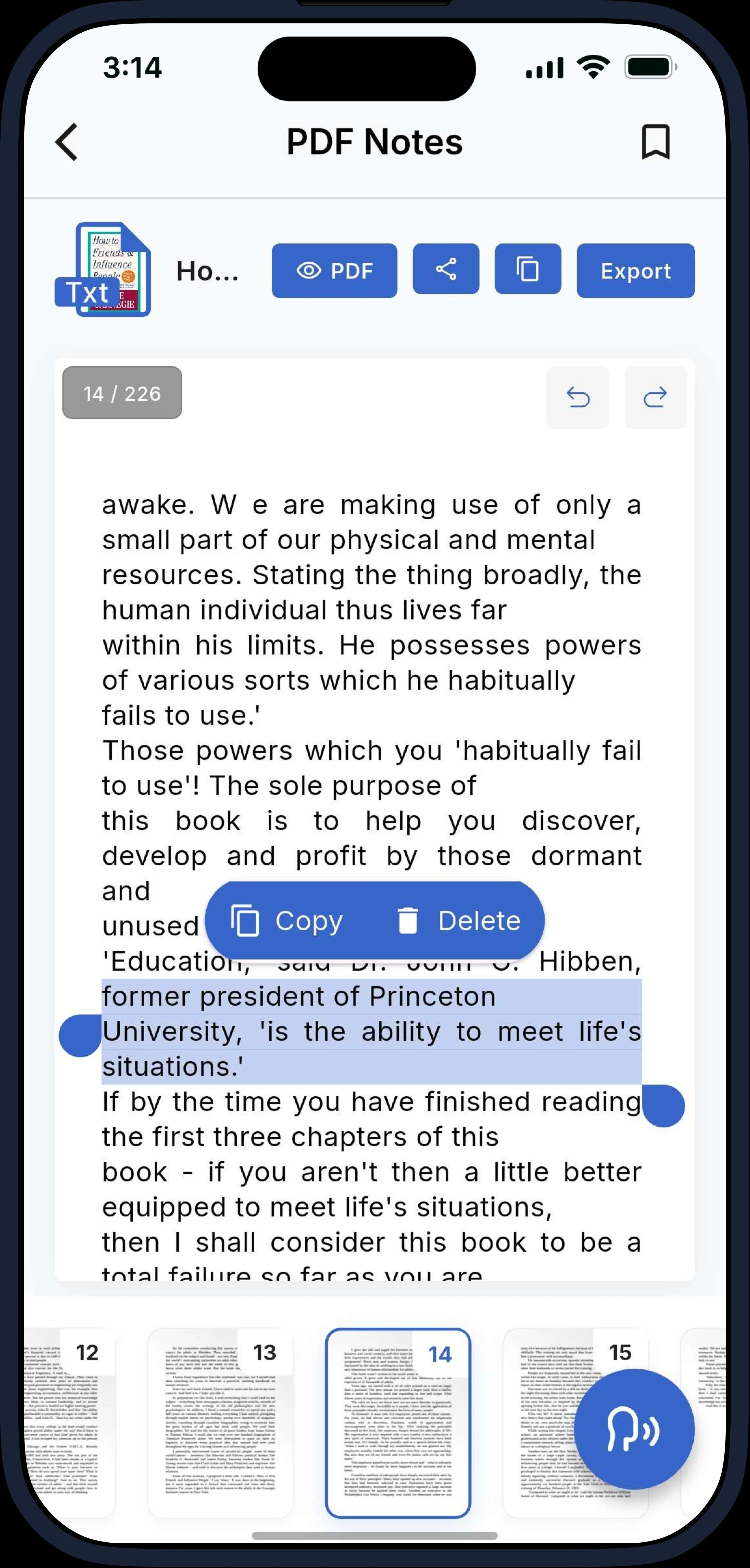
Clean PDF Reader
Preview and read your PDF documents with a clean, comfortable reading experience before and after conversion.

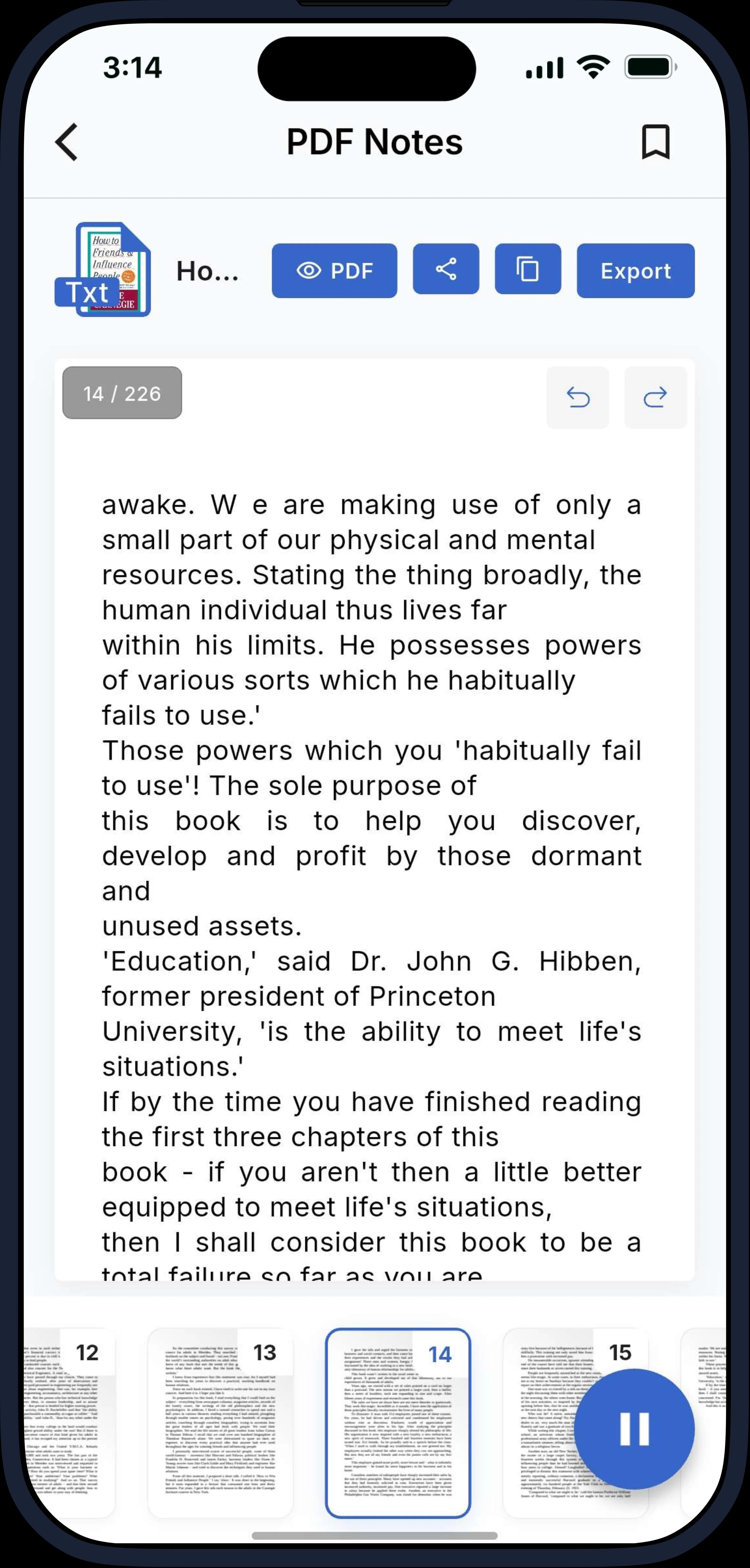
Built-in Text-to-Speech
Listen to extracted text page by page while studying, traveling, working, exercising, or multitasking.

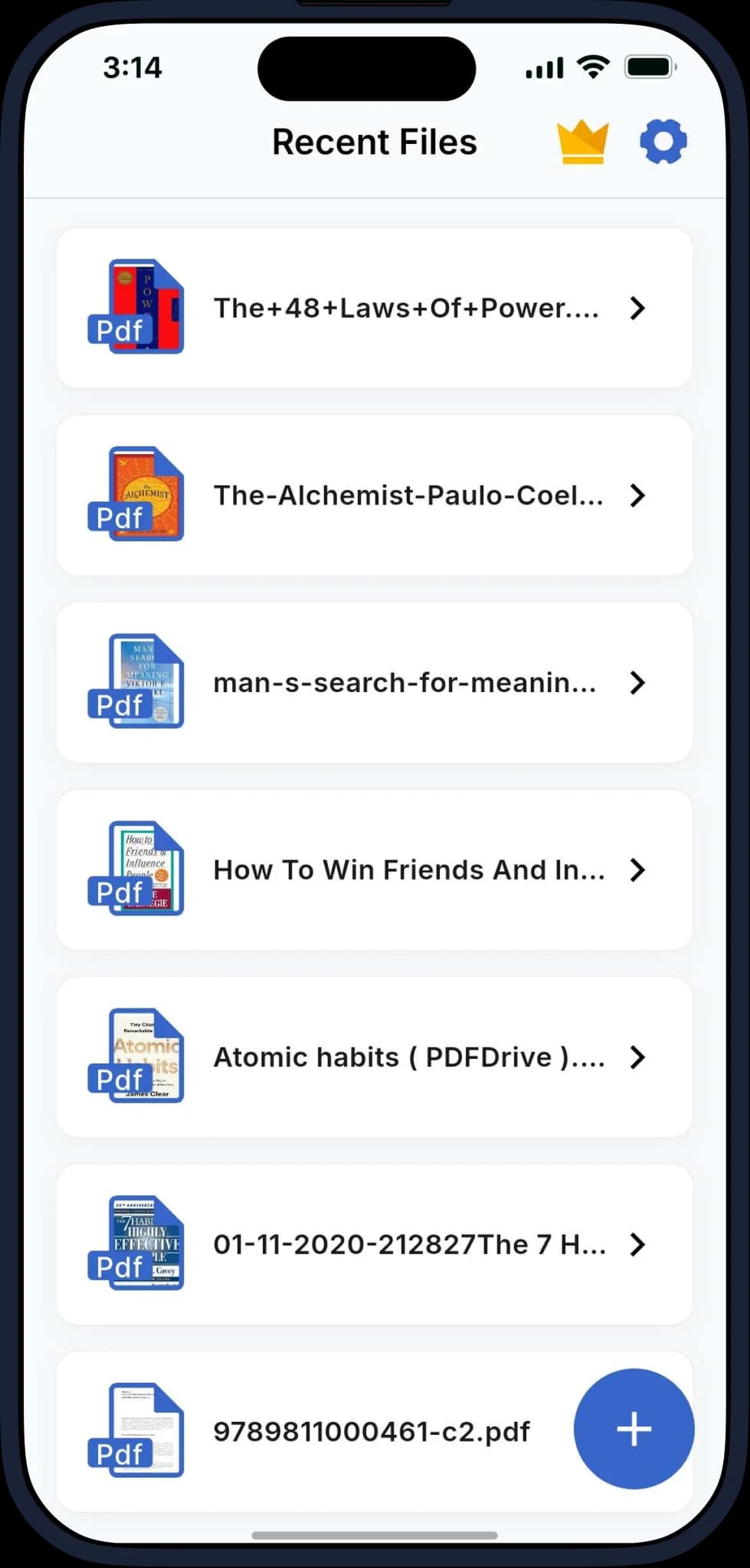
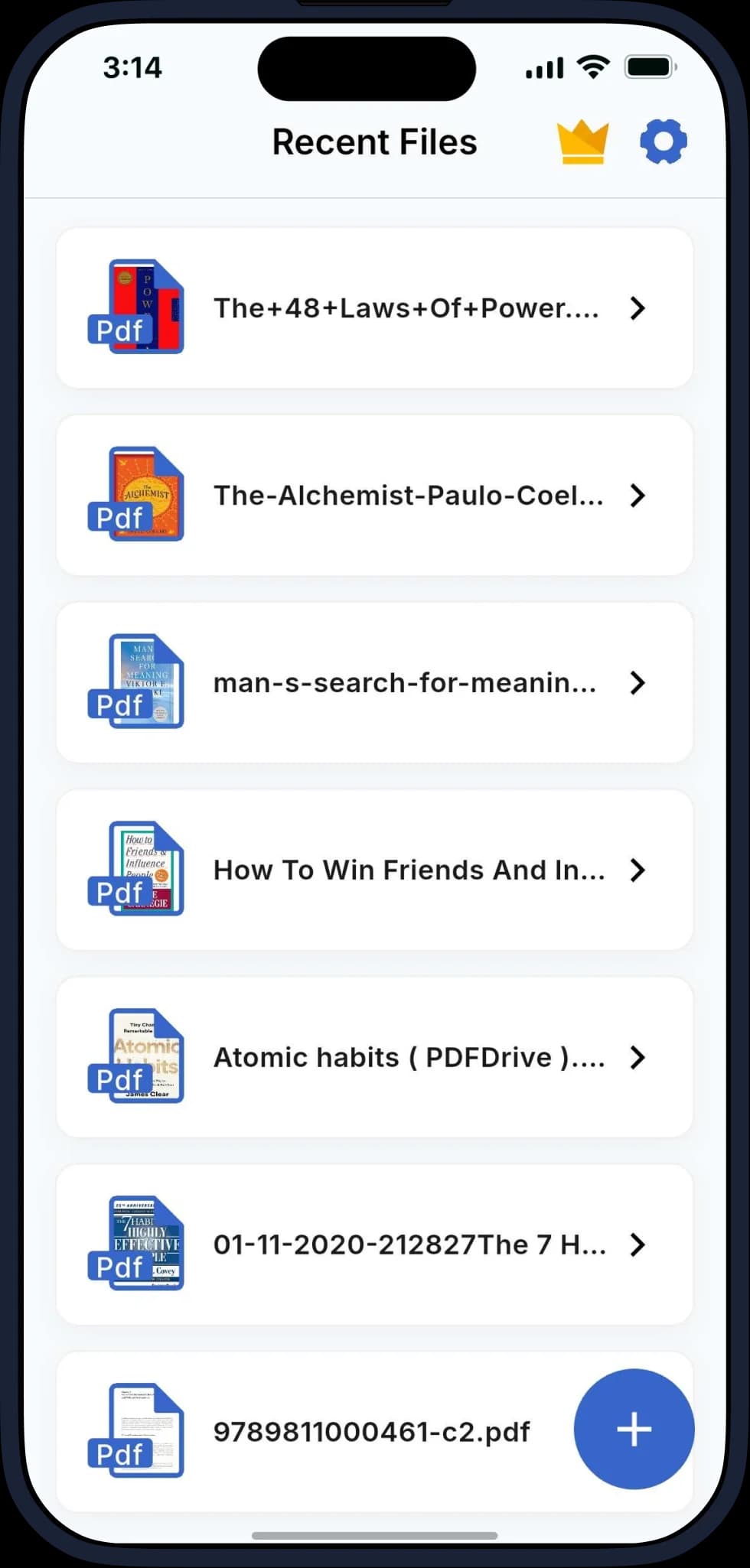
Recent Files
Quickly access your recently converted documents without having to convert the same files again.

Edit & Export
Work with extracted text and export your documents in PDF or TXT format for easy sharing, saving, and future use.
Everything You Need to Work with PDFs
Explore a simple PDF experience built for converting, reading, extracting, listening to, editing, and exporting your documents with ease.
Pricing & Plans
One simple price. Unlock everything, forever.
Free
forever
- 10 Books per week (up to 50 pages each)
- 3 books per month (unlimited pages)
- Ad free experience
One Time
one time charge
- Unlimited PDF to text conversions
- No page limits
- No monthly or weekly restrictions
- One time product
Download App Now
Get your App from cross platform
Frequently Asked Questions
Textify is a PDF-to-text converter that uses OCR technology to extract clean, searchable, and editable text from PDF documents.
No. Textify is designed to let you convert PDFs without requiring a sign-up or login.
Yes. Textify uses OCR technology to recognize printed text from scanned PDF documents and convert it into editable text.
You can convert books, research papers, reports, contracts, invoices, manuals, presentations, lecture notes, forms, articles, and other PDF documents.
Yes. Textify PDF is a one-time purchase for just $1.99—no subscription required.
Yes. You can upload and check your large PDF in Free Mode before deciding to purchase.
Yes. Once the text has been extracted, you can work with the editable content and organize it as needed.
Yes. Converting your PDF into searchable text makes it easier to find specific information quickly.
Yes. The built-in Text-to-Speech feature lets you listen to extracted text page by page.
Yes. You can export your work in PDF or TXT format for saving, sharing, or further use.
Yes. Your recent files are available for quick access so you can return to previously converted documents without starting over.
Textify is useful for students, teachers, researchers, writers, lawyers, professionals, business users, office workers, and anyone who regularly works with PDF documents.
